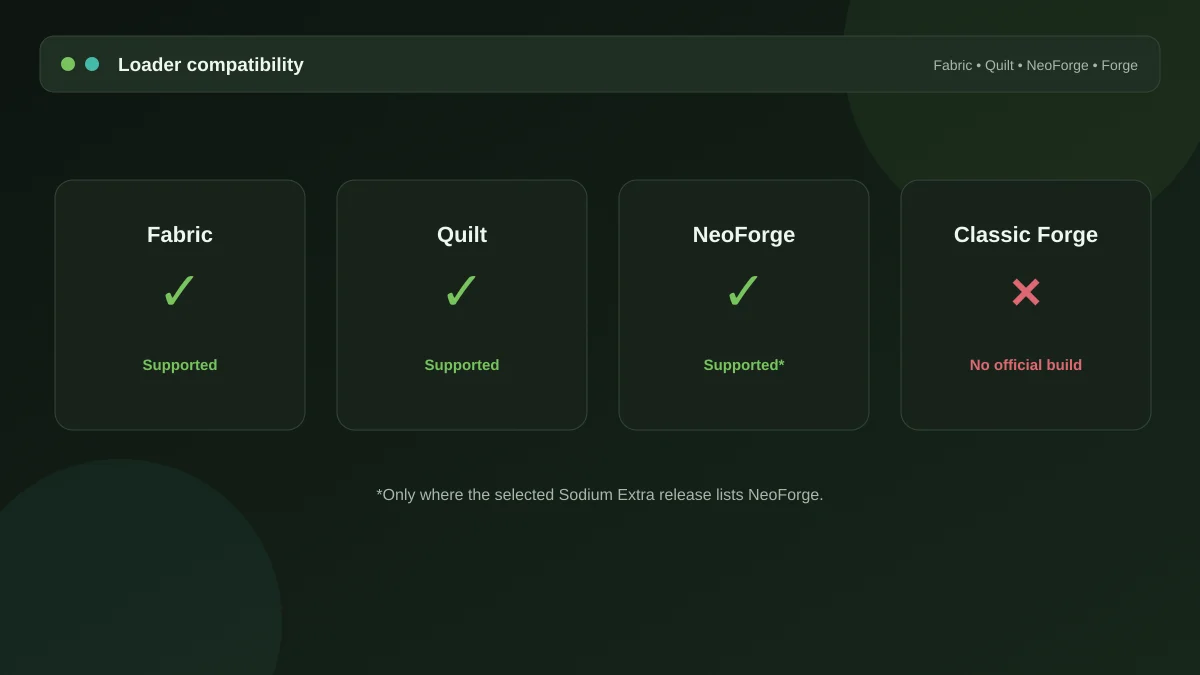
If you arrived here searching for a Sodium extra mod forge download, the short answer is that classic Forge is not supported. The longer answer is more useful, because the loader landscape changed recently and the honest response now depends on which Forge you mean.
Three loaders, not two
Modded Minecraft used to be a straightforward Forge-versus-Fabric split. It is now three-way:
- Forge — the original, still used by a large library of older packs.
- Fabric — lighter, faster to update, home to most performance mods including this one.
- NeoForge — a fork of Forge that took over as the actively developed successor for recent Minecraft versions.
Sodium and Sodium Extra were built for Fabric. As Sodium extended support to NeoForge, recent Sodium Extra builds followed. Legacy Forge never got a build and will not.
Working out which loader you have
Open your launcher and look at the profile or instance name — it normally states the loader. Failing that, check the mods folder: a pack full of files named for Forge dependencies is a Forge pack. In a modern instance created in the past couple of years, "Forge" in the name may well mean NeoForge, so read the version string carefully.
If you are on NeoForge
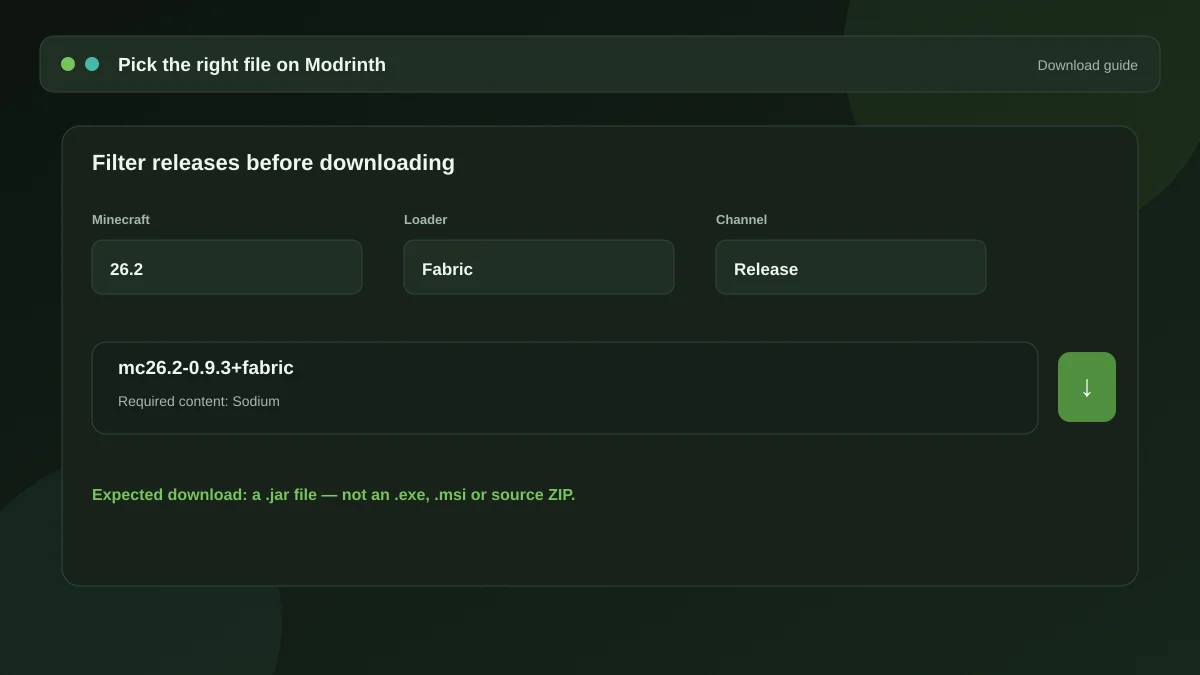
Check the mod's file listing for a build tagged for your Minecraft version and for NeoForge specifically. When one exists, installation is the same as on Fabric — drop it in the mods folder alongside a matching Sodium build. If the listing offers only Fabric files for your version, the NeoForge port has not reached that branch and forcing it will not work.
If you are on classic Forge
You have two realistic paths.
Move the instance to Fabric
Practical if you only run a handful of mods and Fabric equivalents exist for them. Not practical for a large curated pack, where dozens of dependencies would have no Fabric counterpart.
Use the Forge-side equivalents
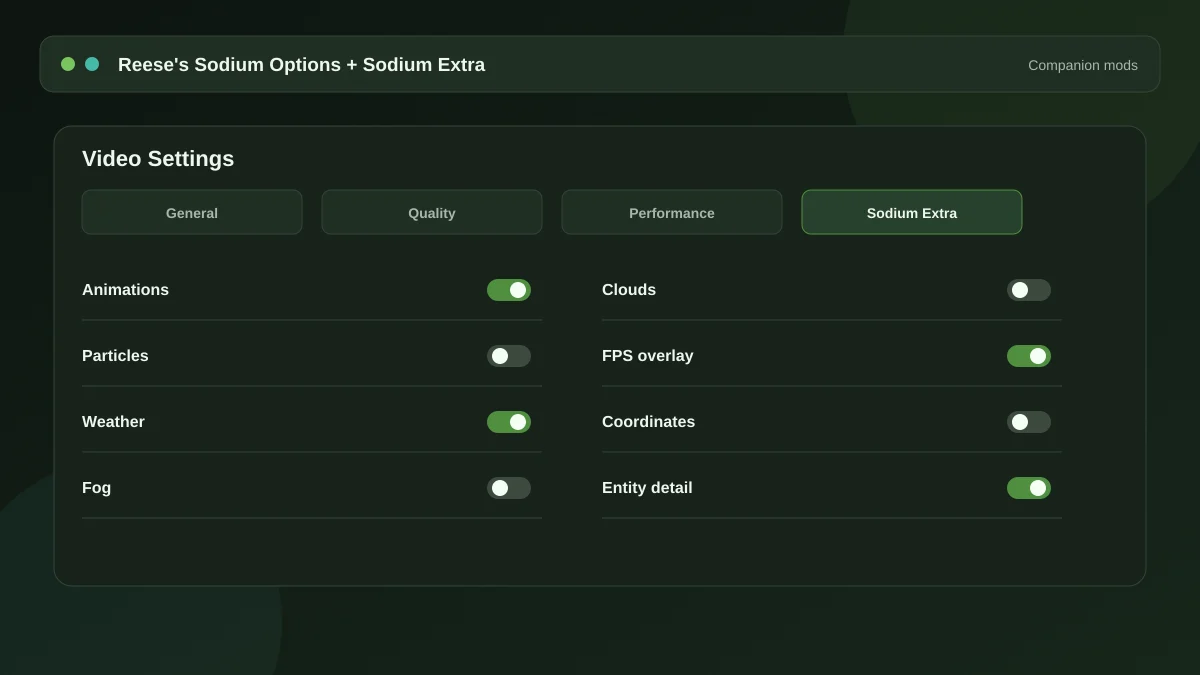
The Forge ecosystem has its own ports of the Sodium family — the Embeddium project and its companion mods fill a similar role, including add-ons that expose extra video options. They are separate projects with separate maintainers; check that they support your Minecraft version before committing.
What not to do
Do not rename a Fabric jar and hope. Do not install a "loader converter" from a download aggregator. Do not trust a site claiming to host an exclusive Forge port of this mod — no such build is published by the project, and files claiming to be one come from somewhere you should not be downloading from. Our guide to downloading safely covers how to check a listing is genuine.
Where this leaves you
On Fabric, install it today — the step-by-step guide takes about ten minutes. On modern NeoForge, check the file list first. On old Forge, look at the Embeddium family instead and stop searching for a port that was never made.
Get the mod
The package and the full dependency list live on the homepage, along with the ten-minute setup walkthrough.
Download Now