Plenty of long-running servers and curated modpacks never moved past 1.20.1, and that is a defensible choice — it is a stable version with an enormous library of finished mods behind it. Searches for Sodium Extra mod 1.20 1 stay high for exactly that reason.
Why 1.20.1 still matters
Modpack authors update on their own schedule. A pack with two hundred dependencies cannot jump versions the week a new Minecraft release lands, and many simply decide the current build is good enough. If your friends are on a 1.20.1 server, your client needs to be on 1.20.1 too, and every mod you add has to match.
The good news is that the older branches of Sodium and Sodium Extra are still available. Older releases do not disappear from the project's listings; you just have to filter for the version rather than grabbing whatever is at the top of the page.
Getting the right files
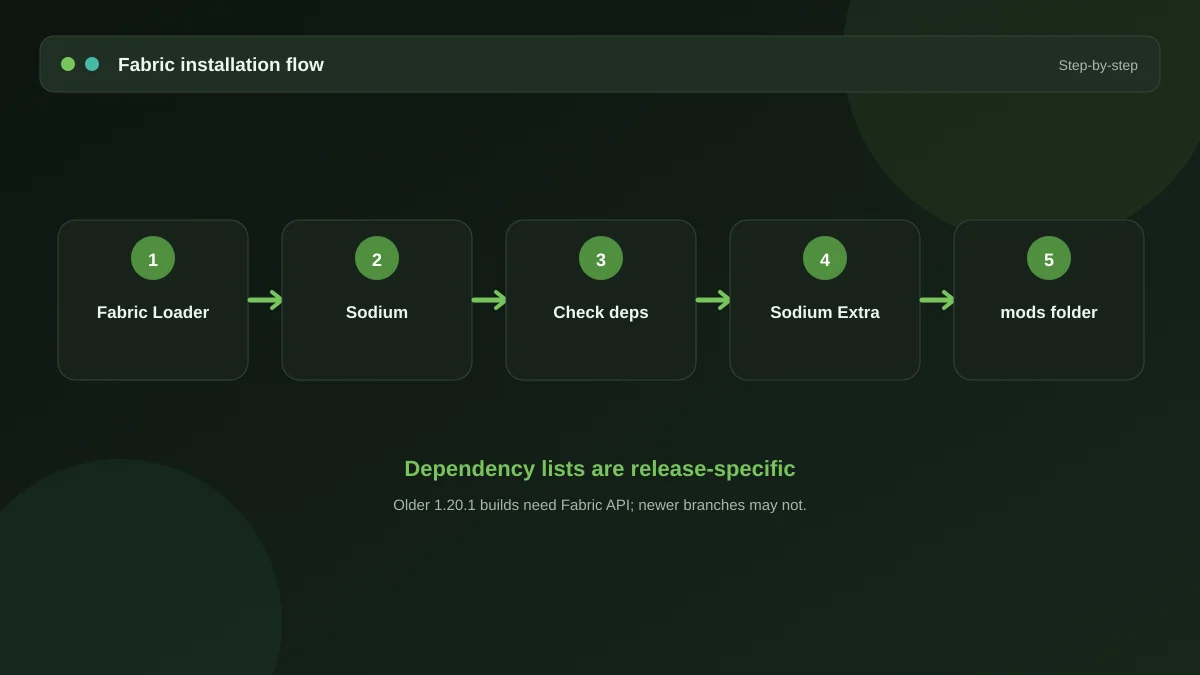
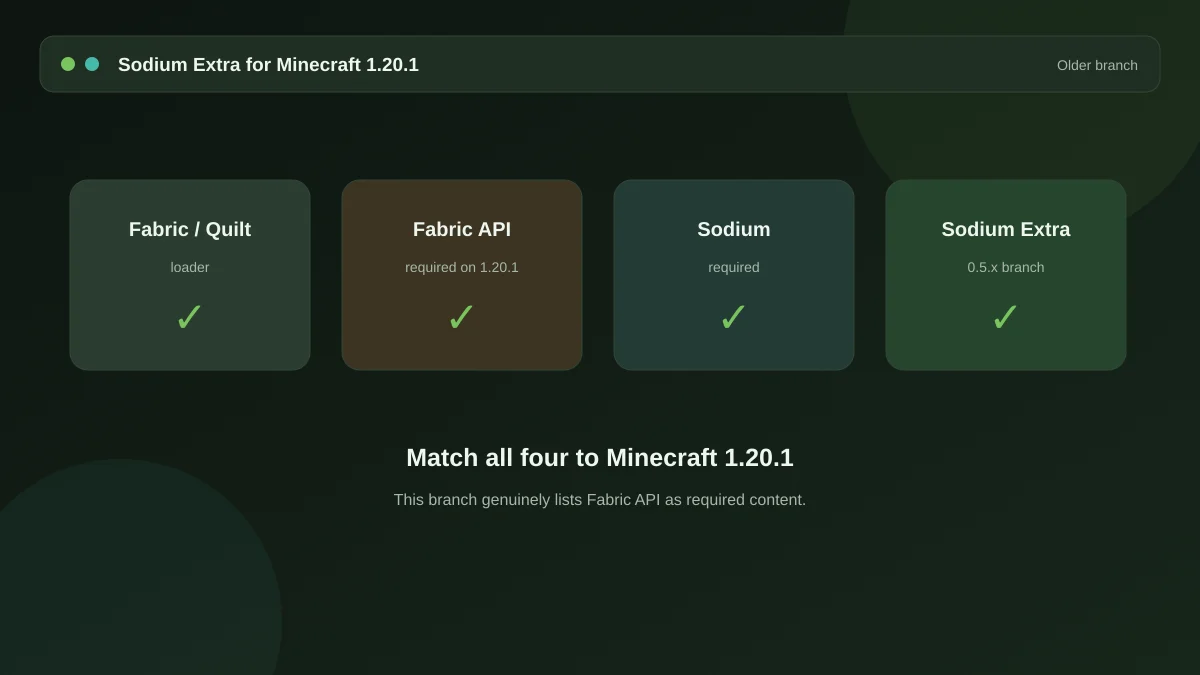
On any mod platform, use the version filter before you download. The newest file is almost never the one you want for a 1.20.1 setup. You need:
| File | Version to pick |
|---|---|
| Fabric Loader | 1.20.1 profile |
| Fabric API | The 1.20.1 build |
| Sodium | The 1.20.1 branch |
| Sodium Extra | The 1.20.1 branch |
Note that Sodium's 1.20.1 releases predate several internal rewrites, so the option names you see in a 1.21 tutorial may not match what is in front of you. The concepts carry over; the labels sometimes do not.
Mixing with an existing pack
Adding a rendering mod to a pack you did not build yourself needs a little care.
Check for OptiFine first
Many older packs shipped with OptiFine. It cannot coexist with Sodium — both replace large parts of the same rendering path. If the pack depends on OptiFine features such as custom entity models or particular shader behaviour, removing it may break more than you gain.
Watch for other performance mods
Packs from that era often bundle several optimisation mods at once. Most sit alongside Sodium without trouble, but if you hit a crash, remove them one at a time rather than all together, so you learn which one was responsible.
Keep a clean copy
Duplicate the instance before you start. If a modification breaks the pack, you want a working folder to return to rather than a re-download.
Settings that matter more on old versions
Older Minecraft versions leaned harder on the CPU for chunk building, so a few of the extra options carry more weight here than on 1.21:
- Biome blend has a real cost during chunk loading. Reducing it smooths the stutter you get flying or sprinting into new terrain.
- Block entity render distance is worth lowering in packs that place large numbers of chests, machines or signs.
- Particle categories still top the list for raw frame rate on integrated graphics.
For a broader list, our guide to the best settings for low-end machines goes through each group in order of impact.
Planning the eventual upgrade
When the pack finally moves, the process is the same in reverse — new loader profile, new file versions, same order. Nothing you learn here goes to waste. The 1.21.10 guide covers the current branch when you get there.
Get the mod
The package and the full dependency list live on the homepage, along with the ten-minute setup walkthrough.
Download Now